Be Cool Stickers1.0
Publisher Description
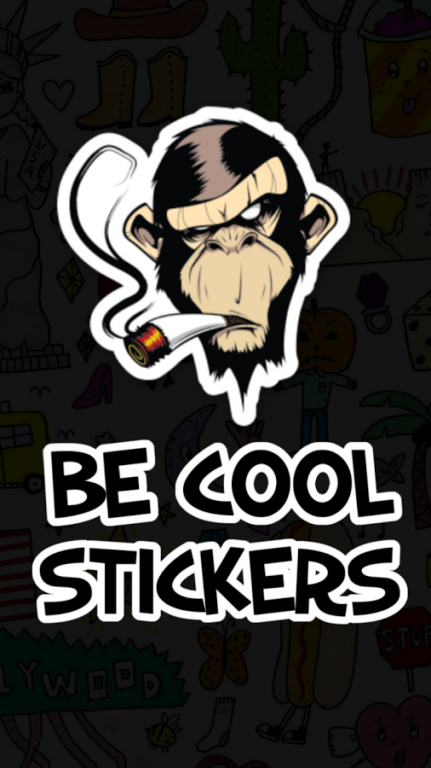
Be Cool Stickers You'll mix normal photos to share an interesting collage and adorn your pictures by applying filters and adding fantastic adhesives and texts. Enjoy along with your friends and family by sharing your work in popular photographic social networks. Draw Mark photos of inspiring, funny or crazy belongings you discover and share via social networks
- Options:
• Simple UI, straightforward to use
• Splash screen.
• It stresses moments in a very custom board. The pin board allows you to add photos, text and adhesives in an exceedingly custom background.
• Share your scores along with your friends
• Beautiful graphics and smooth!
• Select image from camera/gallery.
• Get a lot of than 60 enticing stickers in application.
• Select stickers to place on your images.
• Zoom in/Zoom out, rotate left/right with 2 fingers to regulate stickers.
• Smooth Interface
• Apply text on your photo to create them attractive.
• Apply filters to make your photos adorable.
• Save Pictures in your device and Sd-Card.
- This App is free, no purchase required.
Be Cool Stickers App is very Good and very addictive!
Rate this Original Be Cool Stickers Maker For Android on the Google Play Store!
About Be Cool Stickers
The company that develops Be Cool Stickers is MGSTUDIO. The latest version released by its developer is 1.0.
To install Be Cool Stickers on your Android device, just click the green Continue To App button above to start the installation process. The app is listed on our website since 2015-11-10 and was downloaded 4 times. We have already checked if the download link is safe, however for your own protection we recommend that you scan the downloaded app with your antivirus. Your antivirus may detect the Be Cool Stickers as malware as malware if the download link to com.seablog.BeCoolStickersmaker is broken.
How to install Be Cool Stickers on your Android device:
- Click on the Continue To App button on our website. This will redirect you to Google Play.
- Once the Be Cool Stickers is shown in the Google Play listing of your Android device, you can start its download and installation. Tap on the Install button located below the search bar and to the right of the app icon.
- A pop-up window with the permissions required by Be Cool Stickers will be shown. Click on Accept to continue the process.
- Be Cool Stickers will be downloaded onto your device, displaying a progress. Once the download completes, the installation will start and you'll get a notification after the installation is finished.
